How to Delete Your Google Gemini Chat History
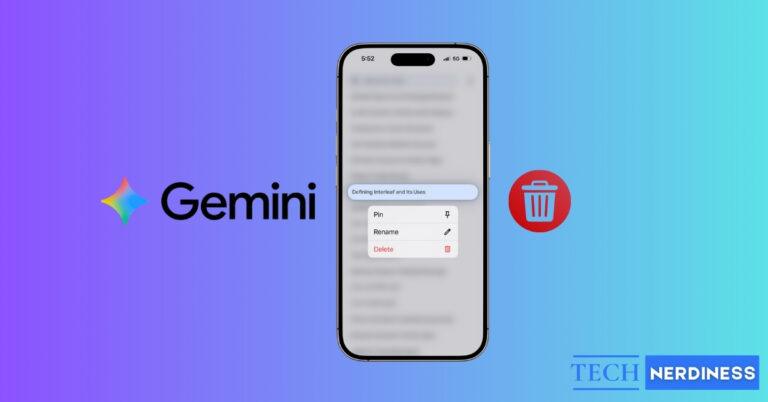
Easily manage your Google Gemini chat history. Delete individual or all chats, turn off history, and use auto-delete for better privacy and performance.

Explore the latest in Artificial Intelligence – News, tools, guides, and innovations shaping the future of tech.
Easily manage your Google Gemini chat history. Delete individual or all chats, turn off history, and use auto-delete for better privacy and performance.

ChatGPT group chats let multiple people work with AI in one shared space. Here’s how to set them up and use them effectively.
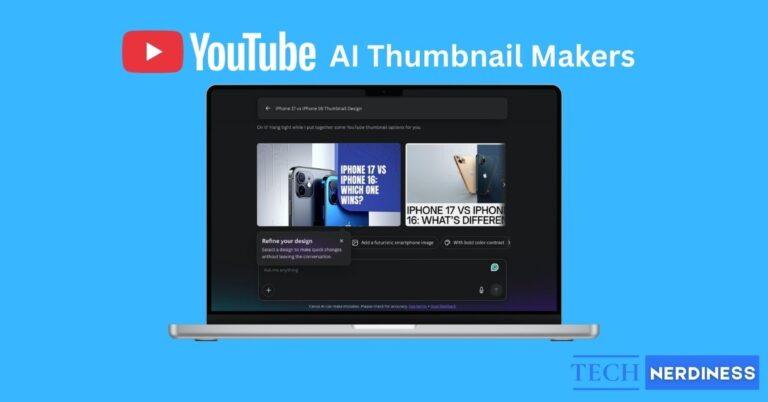
Save time and boost clicks with the best AI YouTube thumbnail makers. I tested top options so you don’t have to. See my picks and get started!
Gemini 3 gets better at reasoning, coding and Google app integration. A quick look at what changed and if you should switch.
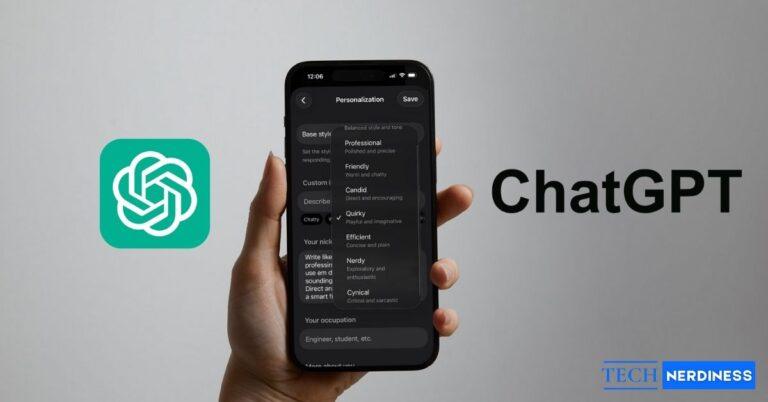
You can shape ChatGPT to match your tone, detail level and personality. Learn how to set style presets, write custom instructions, add personal details and use memory for tailored replies.
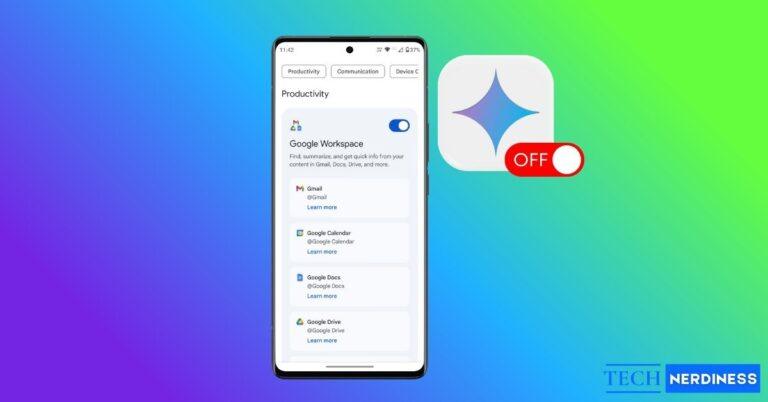
Want to turn off Gemini on your Android? Learn how to disable it, delete your data, and switch back to Google Assistant in a few quick steps.
If ChatGPT is taking too long to respond, you’re not alone. Slow replies often come from heavy server load, long chats, or browser lag. Learn the real reasons behind ChatGPT’s slow responses and the quick fixes that can make it run faster again.
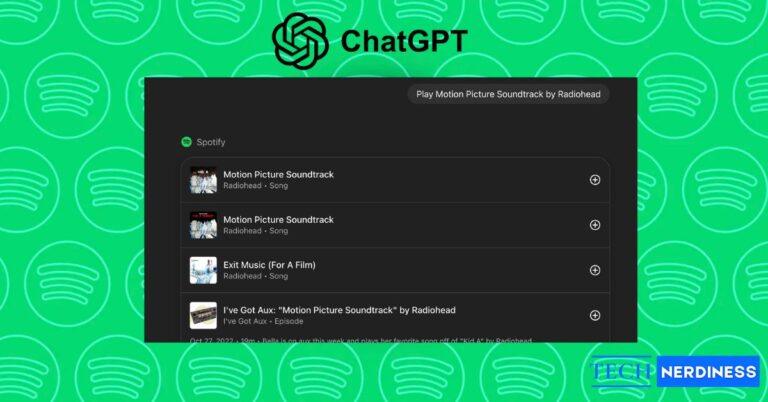
Connect Spotify to ChatGPT and turn your thoughts into playlists. Play, create, and discover music that perfectly fits your mood, all inside one chat.

Create warm, festive Thanksgiving memories with Gemini AI. From dinner table moments to fun turkey edits, these 5 Gemini prompts make your photos feel magical and personal.

Get into the Halloween spirit with Gemini prompts. From scary story starters to party games and spooky captions, these ideas make your night more fun.